Creates ring plots to visualize hierarchical proportional data. A ring plot is similar to a pie chart but can display multiple concentric rings, making it useful for showing nested categorical data.
Usage
RingPlot(
  data,
  x = NULL,
  y = NULL,
  group_by = NULL,
  group_by_sep = "_",
  group_name = NULL,
  label = NULL,
  clockwise = TRUE,
  split_by = NULL,
  split_by_sep = "_",
  facet_by = NULL,
  facet_scales = "free_y",
  facet_ncol = NULL,
  facet_nrow = NULL,
  facet_byrow = TRUE,
  theme = "theme_ggforge",
  theme_args = list(),
  palette = "forge",
  palcolor = NULL,
  alpha = 1,
  aspect.ratio = 1,
  legend.position = "right",
  legend.direction = "vertical",
  title = NULL,
  subtitle = NULL,
  xlab = NULL,
  ylab = NULL,
  keep_empty = FALSE,
  combine = TRUE,
  nrow = NULL,
  ncol = NULL,
  byrow = TRUE,
  seed = 8525,
  axes = NULL,
  axis_titles = axes,
  guides = NULL,
  design = NULL,
  ...
)
Arguments
- data
A data frame
- x
Column name for the rings. If NULL, creates a single ring. Will be converted to factor.
- y
Column name for values. If NULL, counts will be used.
- group_by
Column name(s) for how each ring is divided. Multiple columns will be concatenated with group_by_sep.
- group_by_sep
Separator for concatenating multiple group_by columns.
- group_name
Name for the group_by variable in the legend.
- label
Whether to show ring labels. NULL means auto (FALSE for 1 ring, TRUE for multiple).
- clockwise
Whether to draw clockwise (default: TRUE).
- split_by
Column(s) to split the data by, creating separate plots. Multiple columns will be concatenated with split_by_sep.
- split_by_sep
Separator for concatenating multiple split_by columns.
- facet_by
Column(s) to facet by (max 2 columns).
- facet_scales
Scale type for facets: "fixed", "free", "free_x", or "free_y".
- facet_ncol
Number of columns for faceting.
- facet_nrow
Number of rows for faceting.
- facet_byrow
Whether to fill facets by row.
- theme
Theme name or function. Default is "theme_ggforge".
- theme_args
List of arguments to pass to the theme function.
- palette
Color palette name. Default is "forge".
- palcolor
Custom colors (overrides palette).
- alpha
Transparency level (0-1). Default is 1.
- aspect.ratio
Aspect ratio of the plot. Default is 1.
- legend.position
Legend position ("none", "left", "right", "bottom", "top").
- legend.direction
Legend direction ("horizontal" or "vertical").
- title
Plot title. Can be a string or function.
- subtitle
Plot subtitle.
- xlab
X-axis label.
- ylab
Y-axis label.
- keep_empty
Keep empty factor levels.
- combine
Whether to combine plots when split_by is used.
- nrow
Number of rows when combining plots.
- ncol
Number of columns when combining plots.
- byrow
Whether to arrange plots by row when combining.
- seed
Random seed for reproducibility. Default is 8525.
- axes
Axis handling when combining plots.
- axis_titles
Axis title handling when combining plots.
- guides
Guide handling when combining plots.
- design
Custom design for combining plots.
- ...
Additional arguments (currently unused).
See also
Other specialized-plots:
BeeswarmPlot(),
ChordPlot(),
ClustreePlot(),
DendrogramPlot(),
Heatmap(),
PieChart(),
RadarPlot(),
RarefactionPlot(),
SplitBarPlot(),
SunburstPlot(),
WordCloudPlot()
Examples
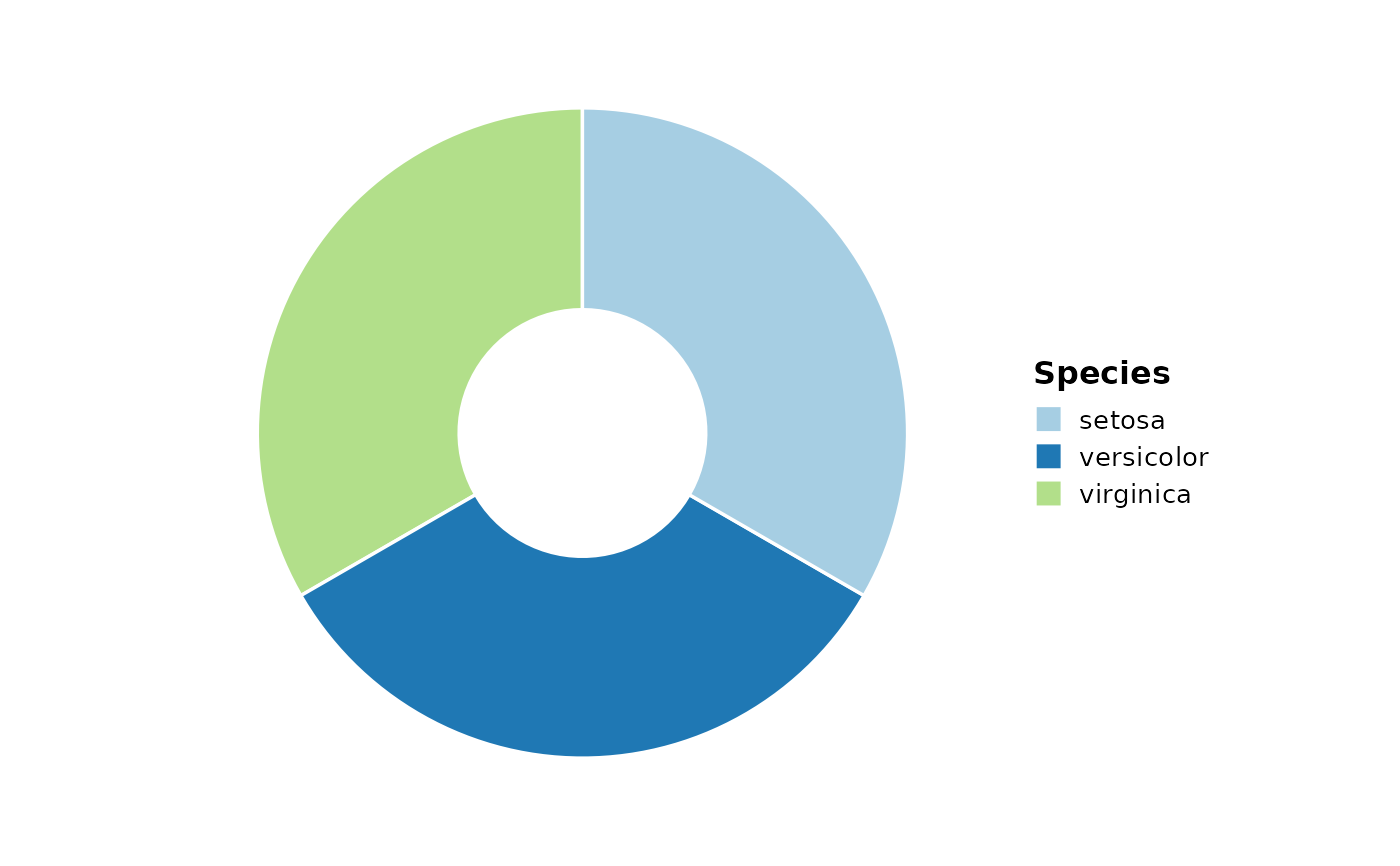
# Basic ring plot with single ring
RingPlot(datasets::iris, group_by = "Species")
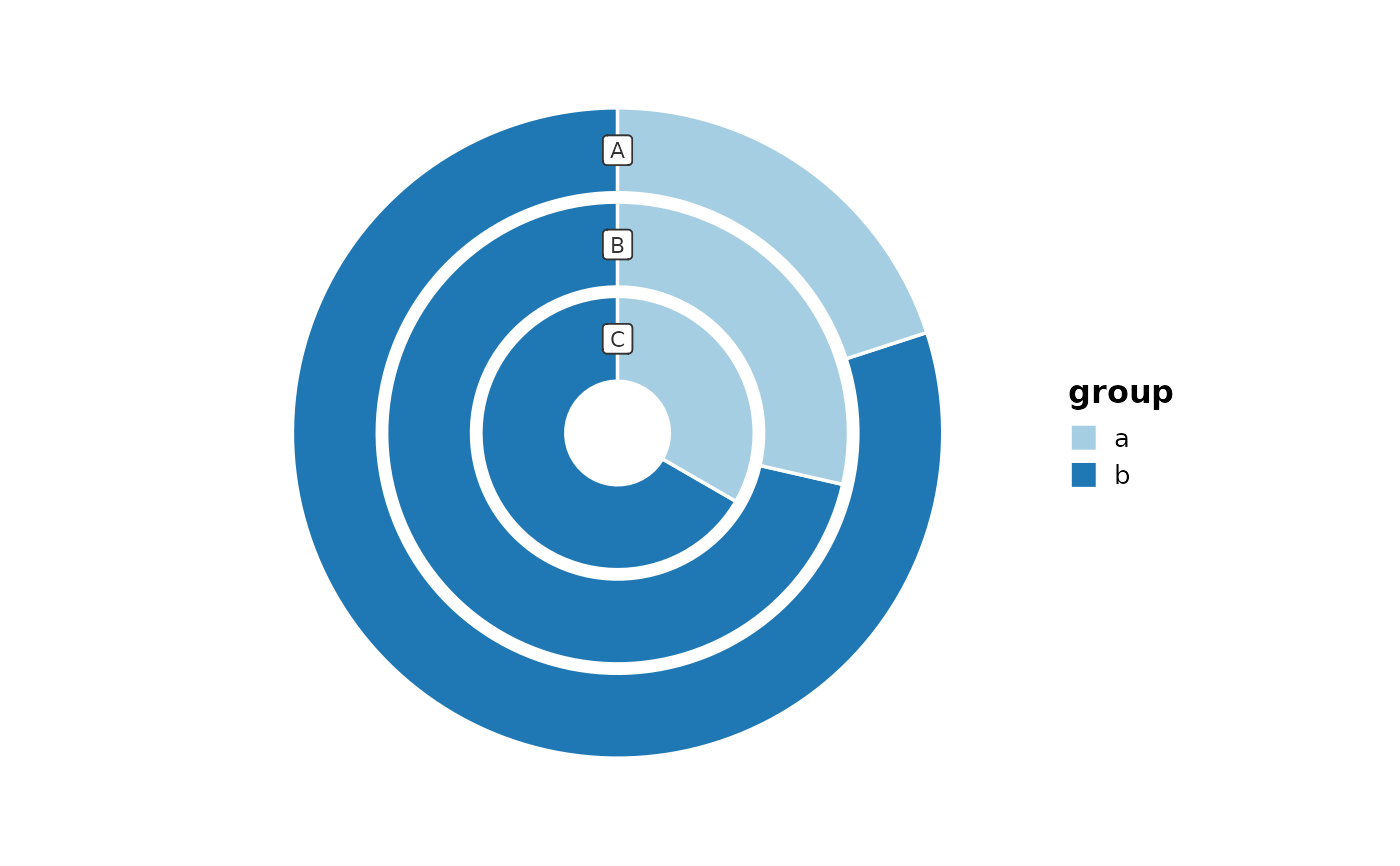
 # Multiple rings
data <- data.frame(
x = c("A", "B", "C", "A", "B", "C"),
y = c(1, 2, 3, 4, 5, 6),
group = c("a", "a", "a", "b", "b", "b")
)
RingPlot(data, x = "x", y = "y", group_by = "group")
# Multiple rings
data <- data.frame(
x = c("A", "B", "C", "A", "B", "C"),
y = c(1, 2, 3, 4, 5, 6),
group = c("a", "a", "a", "b", "b", "b")
)
RingPlot(data, x = "x", y = "y", group_by = "group")
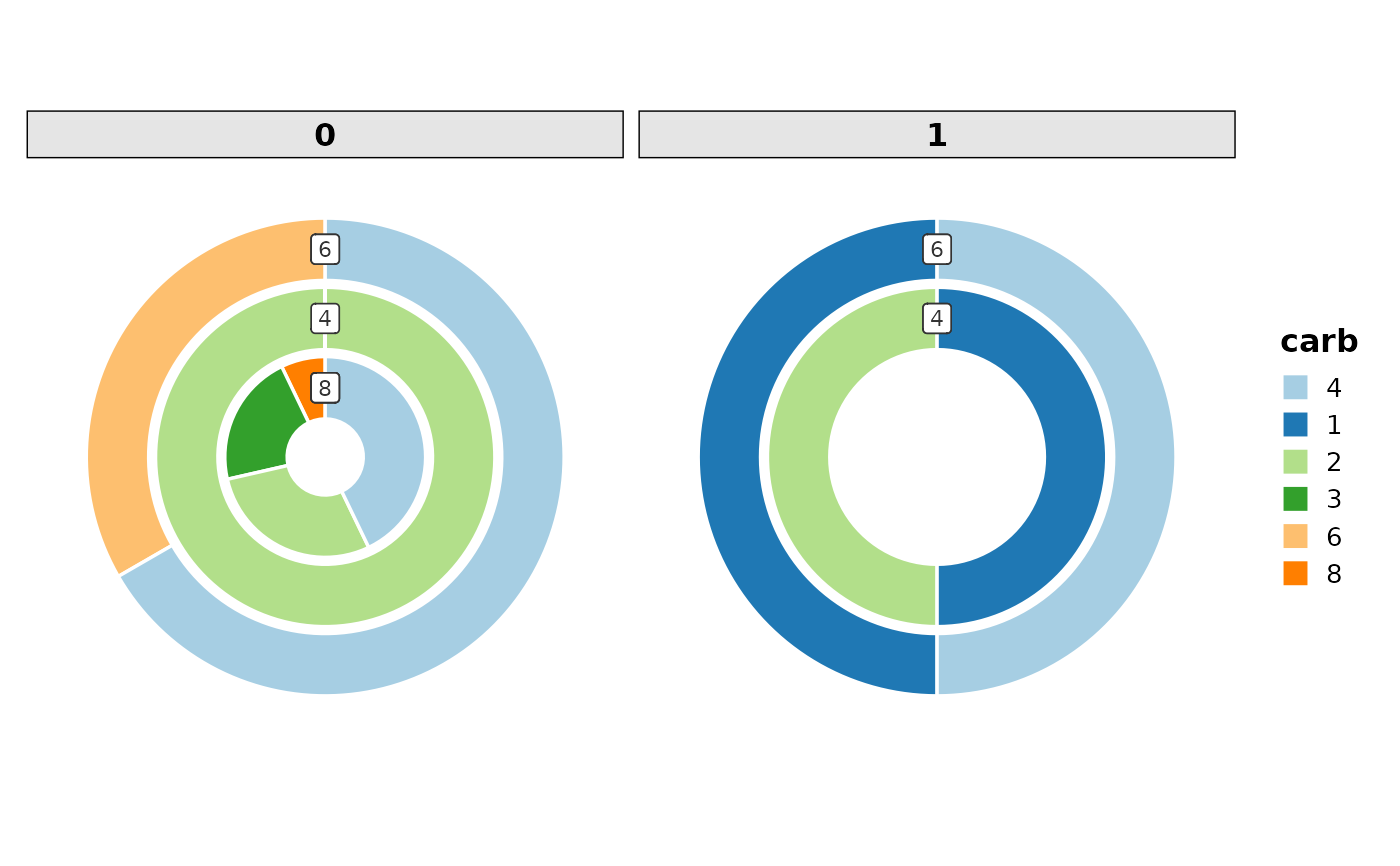
 # With faceting
RingPlot(datasets::mtcars, x = "cyl", group_by = "carb", facet_by = "vs")
# With faceting
RingPlot(datasets::mtcars, x = "cyl", group_by = "carb", facet_by = "vs")
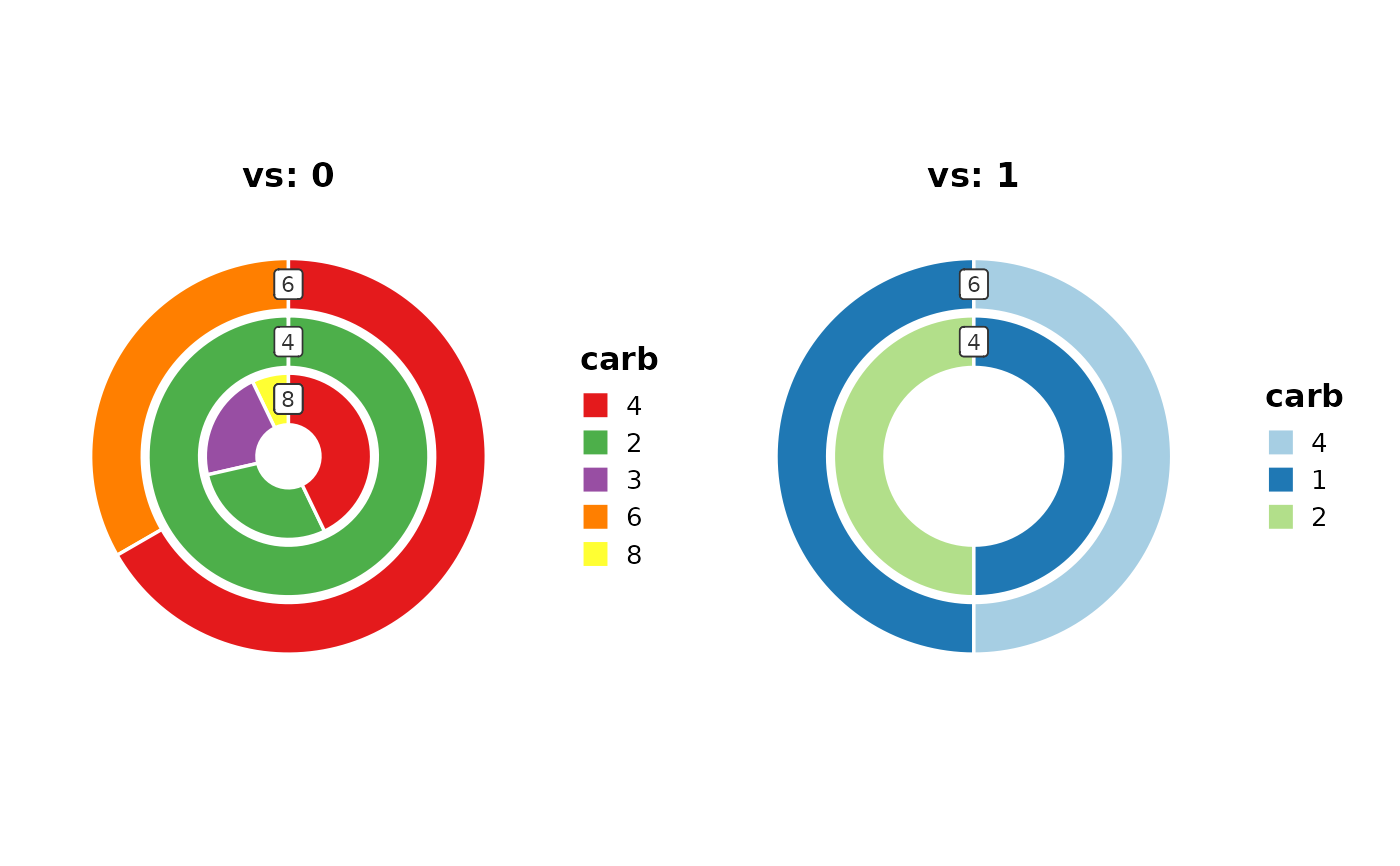
 # With splitting and custom palettes
RingPlot(datasets::mtcars,
x = "cyl", group_by = "carb", split_by = "vs",
palette = c("0" = "Set1", "1" = "Paired")
)
# With splitting and custom palettes
RingPlot(datasets::mtcars,
x = "cyl", group_by = "carb", split_by = "vs",
palette = c("0" = "Set1", "1" = "Paired")
)