
Creates word cloud plots to illustrate word count/frequency. Words can be sized by count and colored by score. Supports splitting by groups, faceting, and custom color palettes.
Usage
WordCloudPlot(
  data,
  word_by = NULL,
  sentence_by = NULL,
  count_by = NULL,
  score_by = NULL,
  count_name = NULL,
  score_name = NULL,
  split_by = NULL,
  split_by_sep = "_",
  words_excluded = ggforge::words_excluded,
  score_agg = mean,
  minchar = 2,
  word_size = c(2, 8),
  top_words = 100,
  facet_by = NULL,
  facet_scales = "fixed",
  facet_ncol = NULL,
  facet_nrow = NULL,
  facet_byrow = TRUE,
  theme = "theme_ggforge",
  theme_args = list(),
  palette = "Spectral",
  palcolor = NULL,
  alpha = 1,
  palreverse = FALSE,
  aspect.ratio = NULL,
  legend.position = "right",
  legend.direction = "vertical",
  title = NULL,
  subtitle = NULL,
  combine = TRUE,
  nrow = NULL,
  ncol = NULL,
  byrow = TRUE,
  seed = 8525,
  axes = NULL,
  axis_titles = axes,
  guides = NULL,
  design = NULL,
  ...
)
Arguments
- data
A data frame containing the data to plot
- word_by
Column name to use as the word (character column).
- sentence_by
Column name to split sentences into words (character column). Either word_by or sentence_by should be specified.
- count_by
Column name for word/sentence counts (numeric). If NULL, counts will be computed.
- score_by
Column name for word scores (numeric), used for color. If NULL, score will be set to 1.
- count_name
Name for the count legend.
- score_name
Name for the score legend.
- split_by
Column name(s) to split data into multiple plots
- split_by_sep
Separator when concatenating multiple split_by columns
- words_excluded
Character vector of words to exclude from word cloud.
- score_agg
Function to aggregate scores (default: mean).
- minchar
Minimum number of characters for words.
- word_size
Numeric vector specifying range of word sizes.
- top_words
Number of top words to show.
- facet_by
Column name(s) for faceting the plot
- facet_scales
Scales for facets: "fixed", "free", "free_x", "free_y"
- facet_ncol
Number of columns in facet layout
- facet_nrow
Number of rows in facet layout
- facet_byrow
Fill facets by row (TRUE) or column (FALSE)
- theme
Theme name (string) or theme function
- theme_args
List of arguments passed to theme function
- palette
Color palette name
- palcolor
Custom colors for palette
- alpha
Transparency level (0-1)
- palreverse
Whether to reverse the palette colors.
- aspect.ratio
Aspect ratio of plot panel
- legend.position
Legend position: "none", "left", "right", "bottom", "top"
- legend.direction
Legend direction: "horizontal" or "vertical"
- title
Plot title
- subtitle
Plot subtitle
- combine
Whether to combine split plots into one
- nrow
Number of rows when combining plots
- ncol
Number of columns when combining plots
- byrow
Fill combined plots by row
- seed
Random seed for reproducibility
- axes
How to handle axes in combined plots ("keep", "collect", "collect_x", "collect_y")
- axis_titles
How to handle axis titles in combined plots
- guides
How to handle guides in combined plots ("collect", "keep", "auto")
- design
Custom layout design for combined plots
- ...
Additional arguments passed to atomic plotting functions.
See also
Other specialized-plots:
BeeswarmPlot(),
ChordPlot(),
ClustreePlot(),
DendrogramPlot(),
Heatmap(),
PieChart(),
RadarPlot(),
RarefactionPlot(),
RingPlot(),
SplitBarPlot(),
SunburstPlot()
Examples
# \donttest{
# Create sample data with words
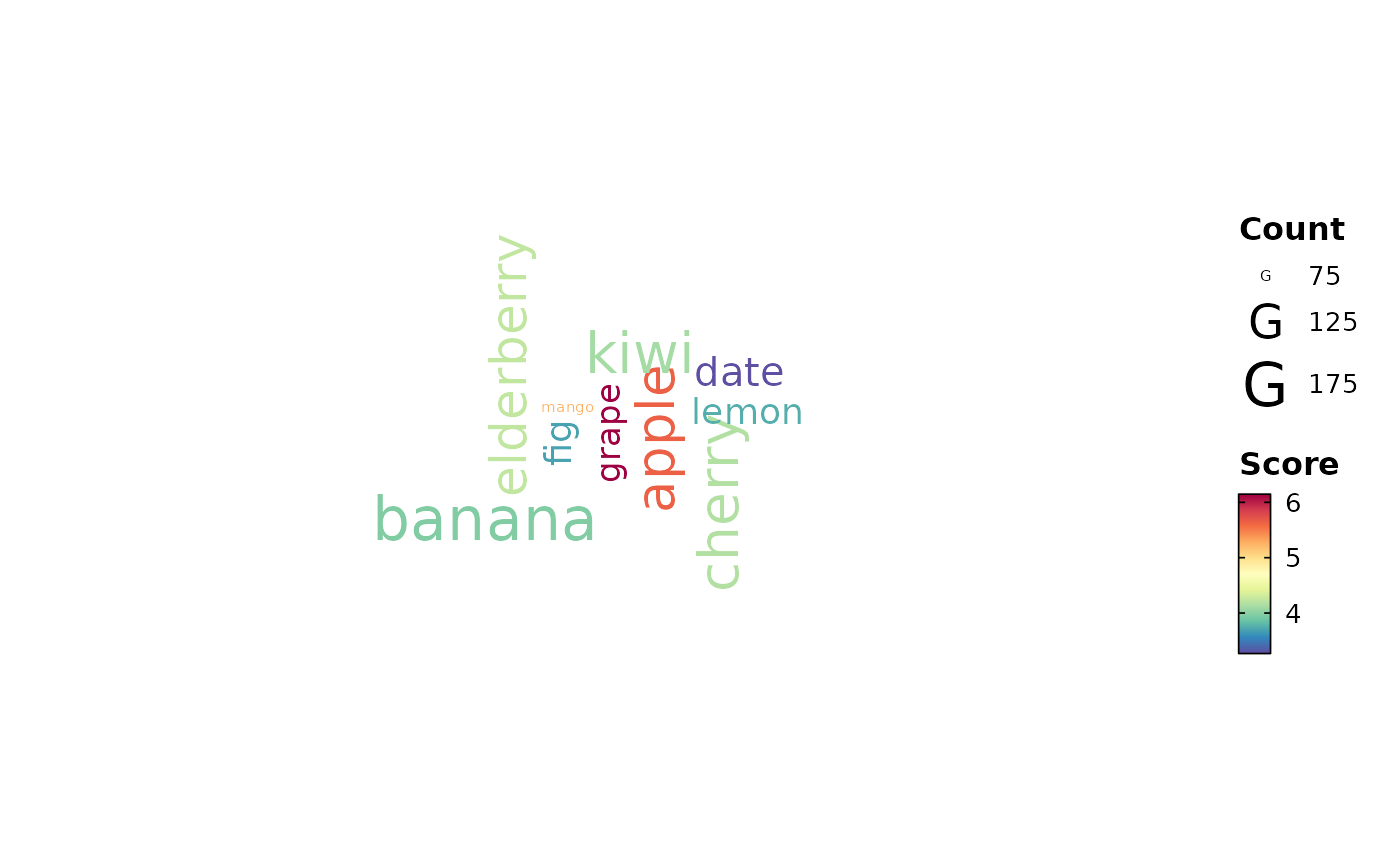
data <- data.frame(
word = rep(c(
"apple", "banana", "cherry", "date", "elderberry",
"fig", "grape", "kiwi", "lemon", "mango"
), each = 5),
count = sample(1:50, 50, replace = TRUE),
score = rnorm(50, mean = 5, sd = 2),
group = rep(c("A", "B"), 25)
)
# Basic word cloud from words
WordCloudPlot(data, word_by = "word", count_by = "count", score_by = "score")
 # Word cloud with custom palette
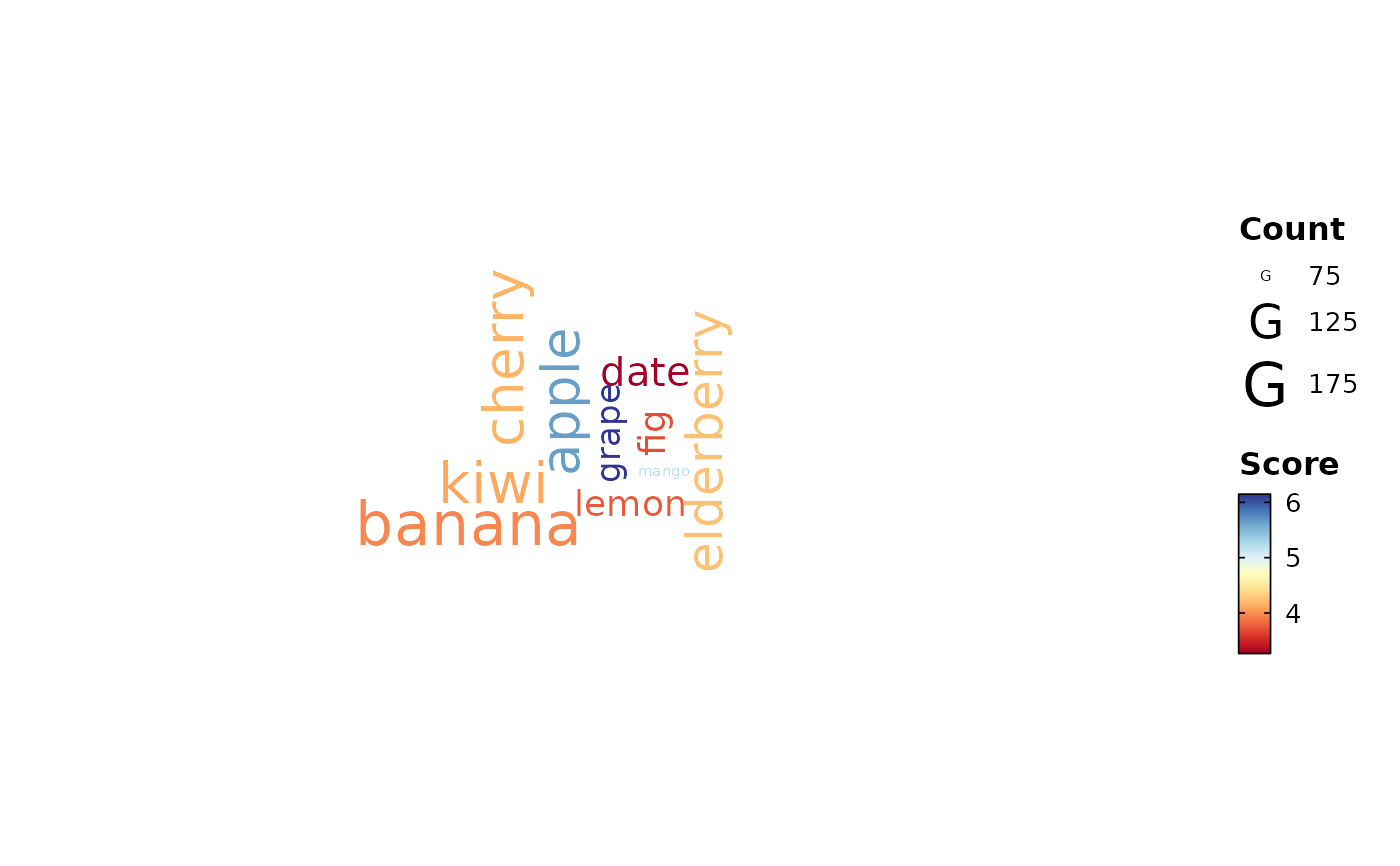
WordCloudPlot(data,
word_by = "word", count_by = "count", score_by = "score",
palette = "RdYlBu", palreverse = TRUE
)
# Word cloud with custom palette
WordCloudPlot(data,
word_by = "word", count_by = "count", score_by = "score",
palette = "RdYlBu", palreverse = TRUE
)
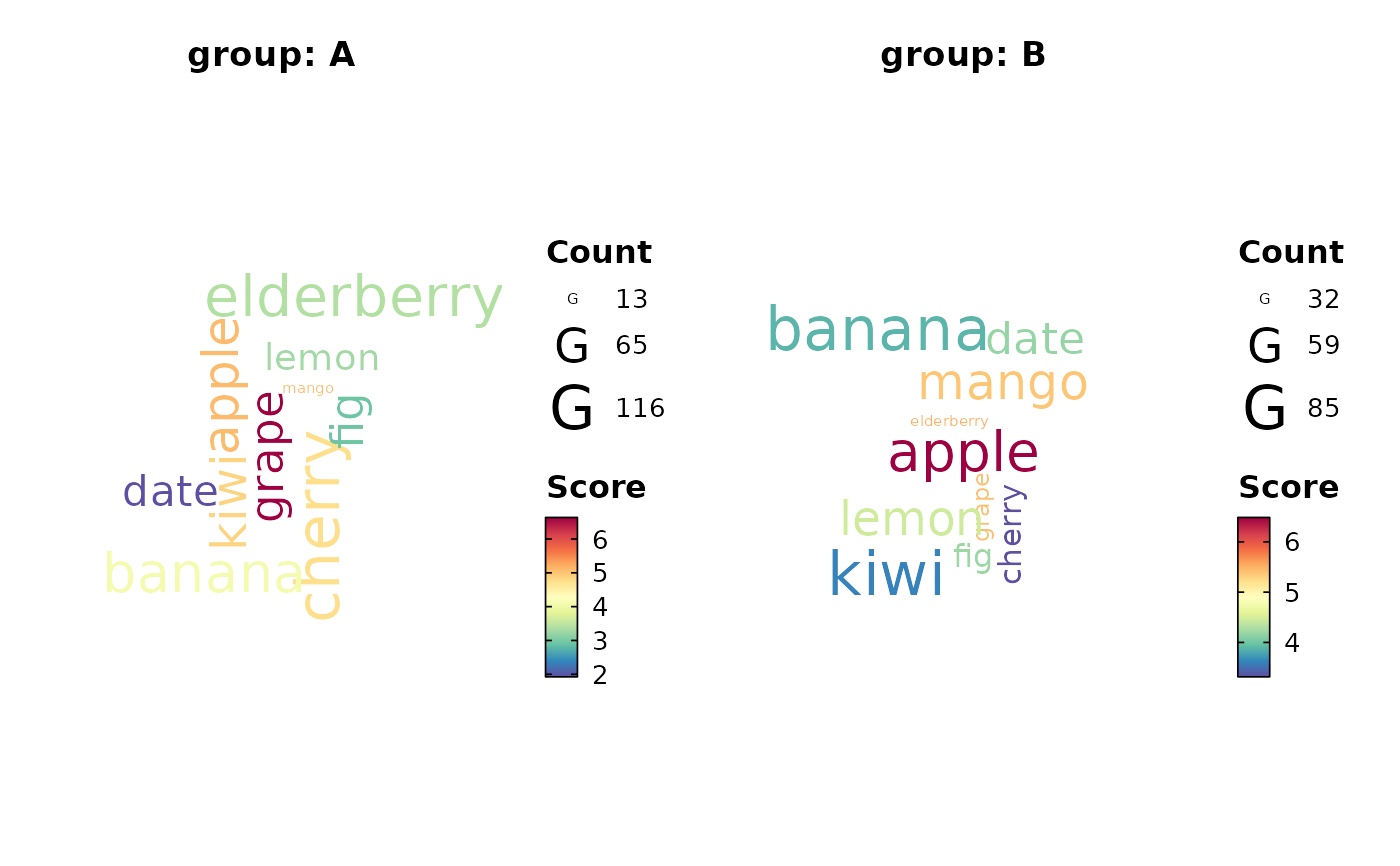
 # Word cloud with split by group
WordCloudPlot(data,
word_by = "word", count_by = "count", score_by = "score",
split_by = "group", combine = TRUE
)
# Word cloud with split by group
WordCloudPlot(data,
word_by = "word", count_by = "count", score_by = "score",
split_by = "group", combine = TRUE
)
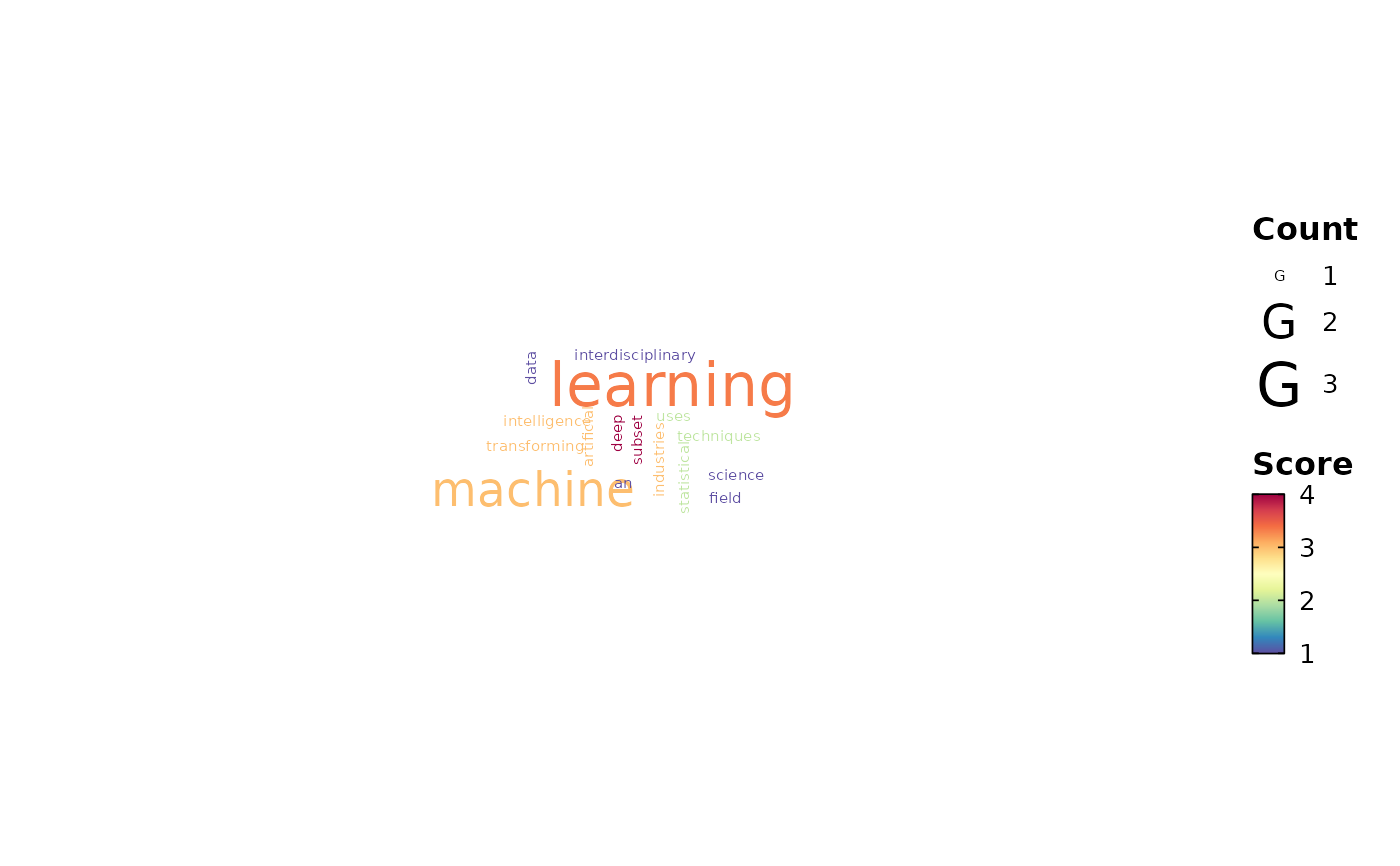
 # Create sample data with sentences
sentence_data <- data.frame(
text = c(
"Data science is an interdisciplinary field",
"Machine learning uses statistical techniques",
"Artificial intelligence is transforming industries",
"Deep learning is a subset of machine learning"
),
score = c(1, 2, 3, 4)
)
# Word cloud from sentences (auto-splitting)
WordCloudPlot(sentence_data,
sentence_by = "text",
score_by = "score",
top_words = 20
)
# Create sample data with sentences
sentence_data <- data.frame(
text = c(
"Data science is an interdisciplinary field",
"Machine learning uses statistical techniques",
"Artificial intelligence is transforming industries",
"Deep learning is a subset of machine learning"
),
score = c(1, 2, 3, 4)
)
# Word cloud from sentences (auto-splitting)
WordCloudPlot(sentence_data,
sentence_by = "text",
score_by = "score",
top_words = 20
)
 # }
# }